How can layer misalignment during the 3D printing process be resolved?
Beginners often encounter many issues when using 3D printers. Today, a Dongguan 3D printer manufacturer will discuss model misalignment, hoping this information will be helpful to you. 3D printers build models by depositing material layer by layer. During this process, objects in some intermediate layers may shift or become lost, a phenomenon known as layer misalignment.
To address the issue of layer misalignment, the Dongguan 3D printer company has summarized the following possible causes and solutions.
1. Excessive Nozzle Movement
If the print speed is too fast and exceeds the motor’s capacity, layer misalignment will occur. Dongguan 3D printer manufacturers recommend reducing the print speed as much as possible to resolve this issue.
2. Voltage Instability
Voltage instability can also cause model misalignment. Try turning off high-power appliances. This issue may also be caused by uneven voltage across the X, Y, and Z axes. Adjust the current on the X, Y, and Z axes to ensure it is distributed evenly across all three axes.
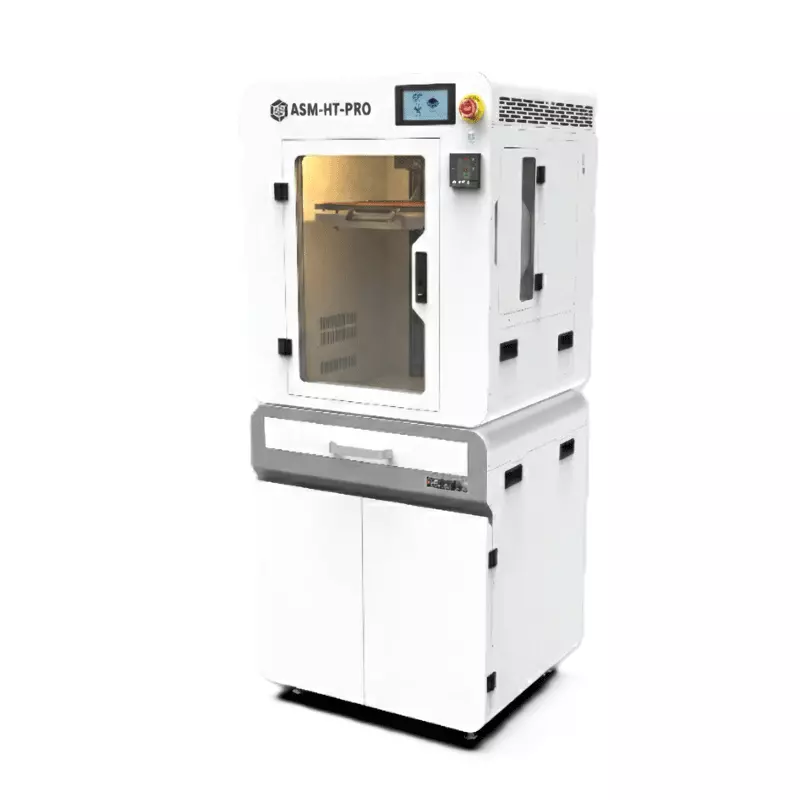
3. Mechanical Issues
Check that the tension on all timing belts is appropriate—they should not be too loose or too tight. If you are unsure how to adjust belt tension, contact your 3D printer supplier.
4. Mainboard Issues
If any printed models are misaligned at the same height, it is likely a mainboard issue, which will require replacing the mainboard.
